
How do I swap flavours in a single-flavour subscription?Updated 9 months ago
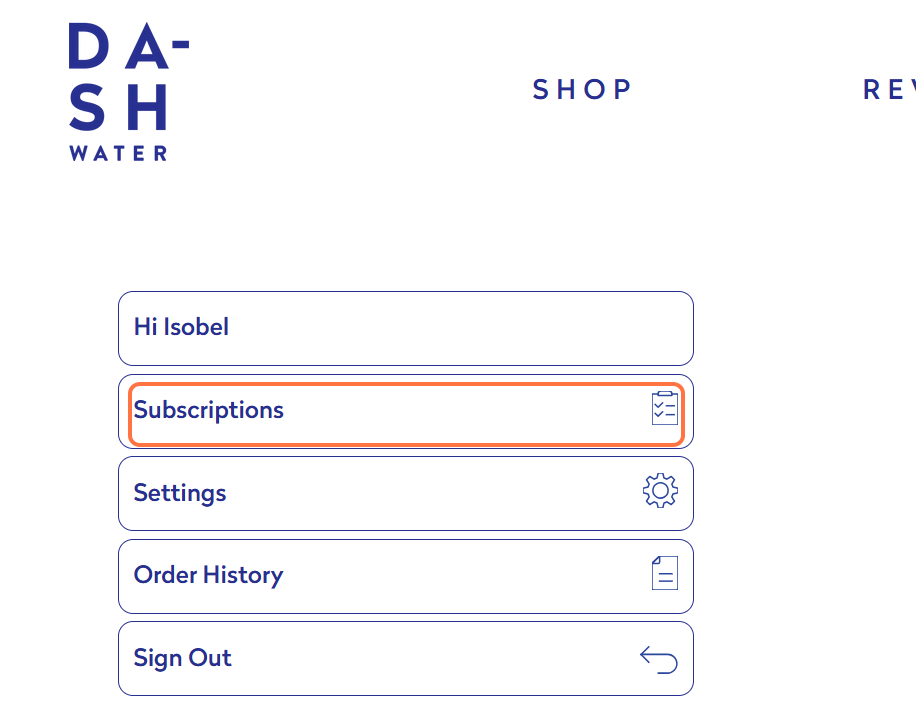
1. Log in to your account and click on Subscriptions
2. Find the single-flavour pack subscription you'd like to change, and click 'Mange this subscription'
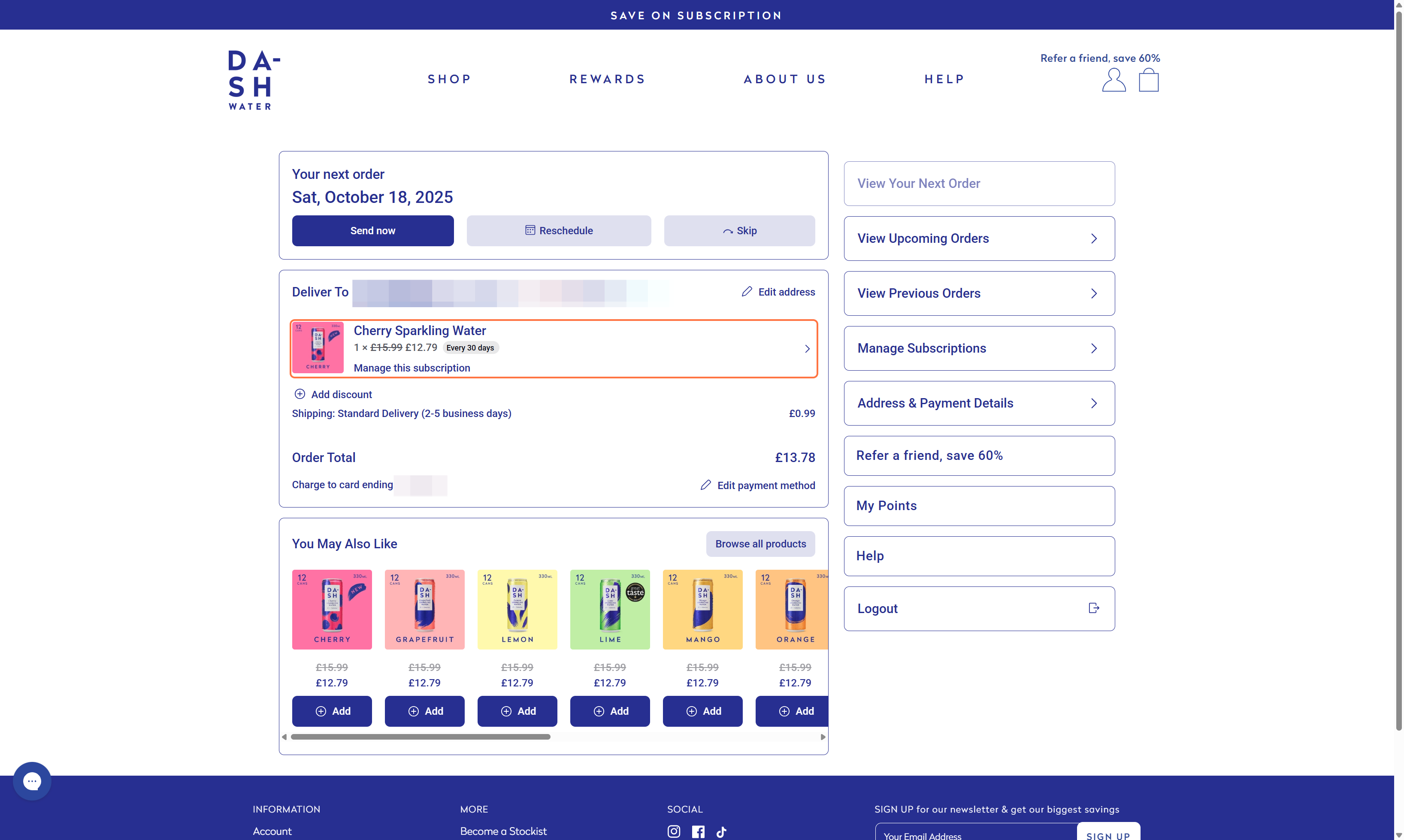
Note: If you have multiple subscriptions arriving on different days, click Manage Subscriptions then select the one you'd like to change.
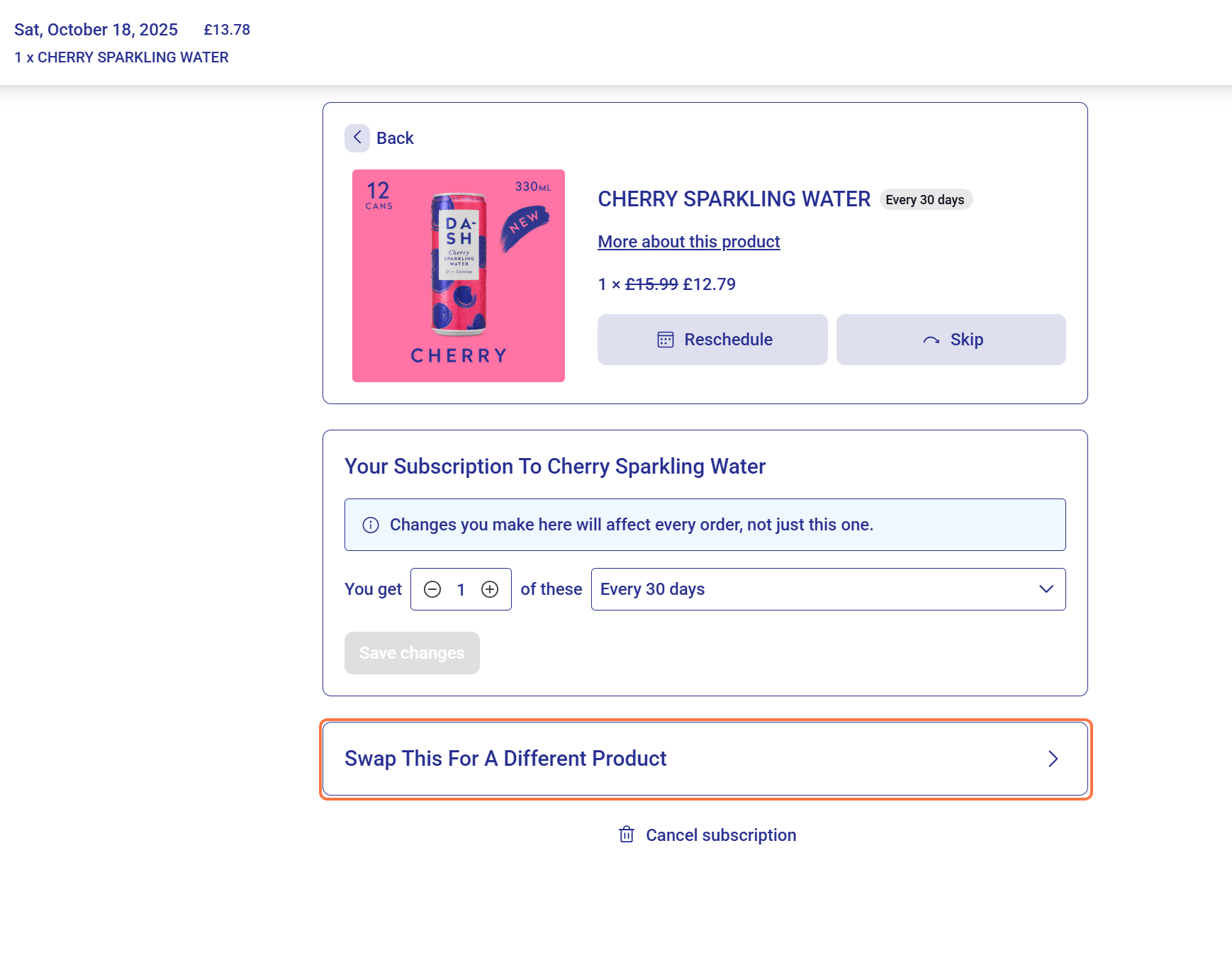
3. Click 'Swap this for a different product'
4. Select the flavour you'd like to swap to, and click 'Swap'
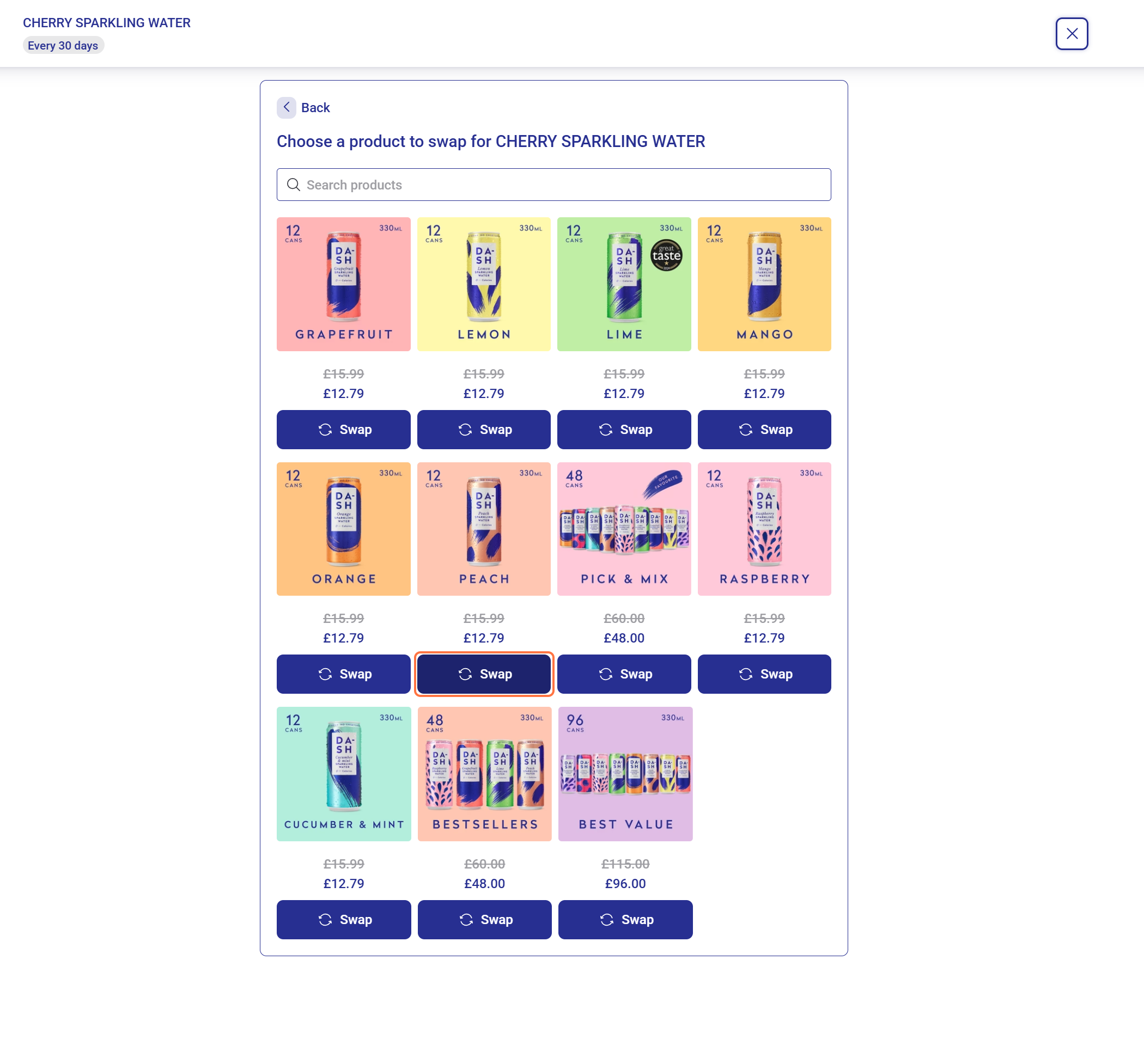
5. Your new flavour will now be visible in your account