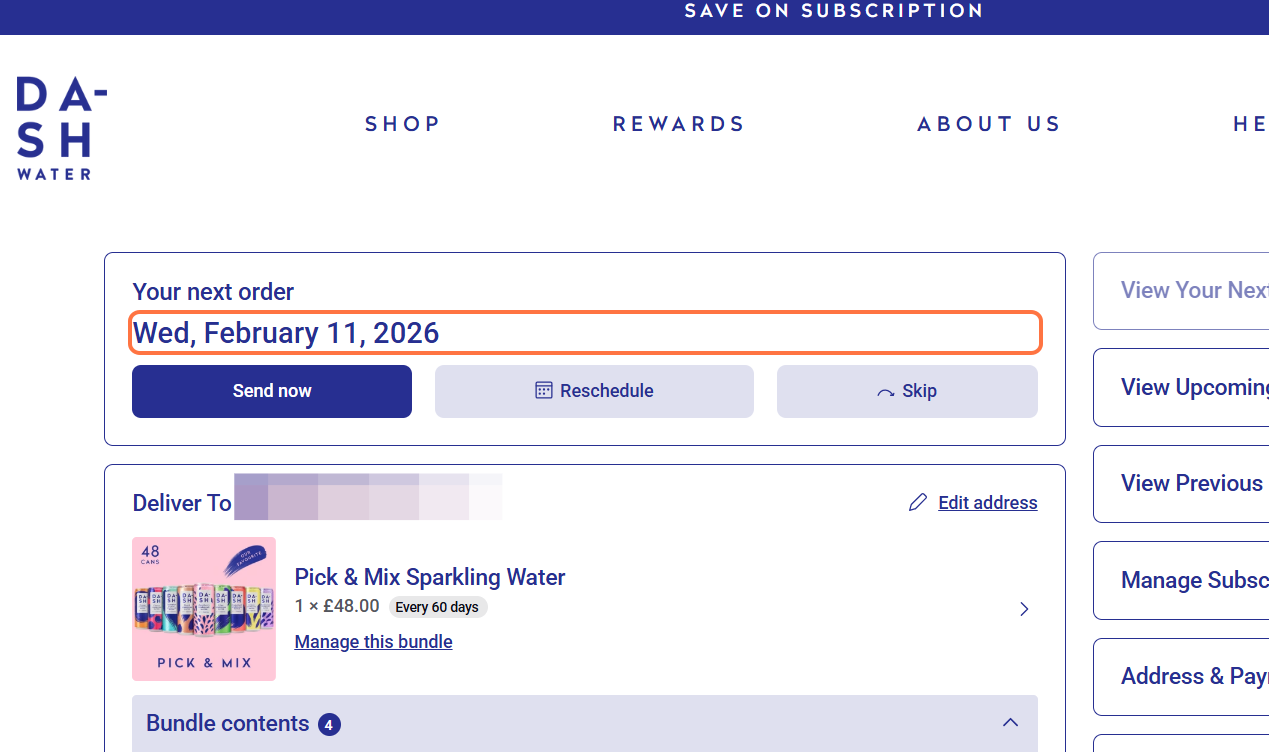
How do I change the date of my upcoming order?Updated 9 months ago
1. Log in to your account (if you don't have an account, please create one using the email address that you checked out with)
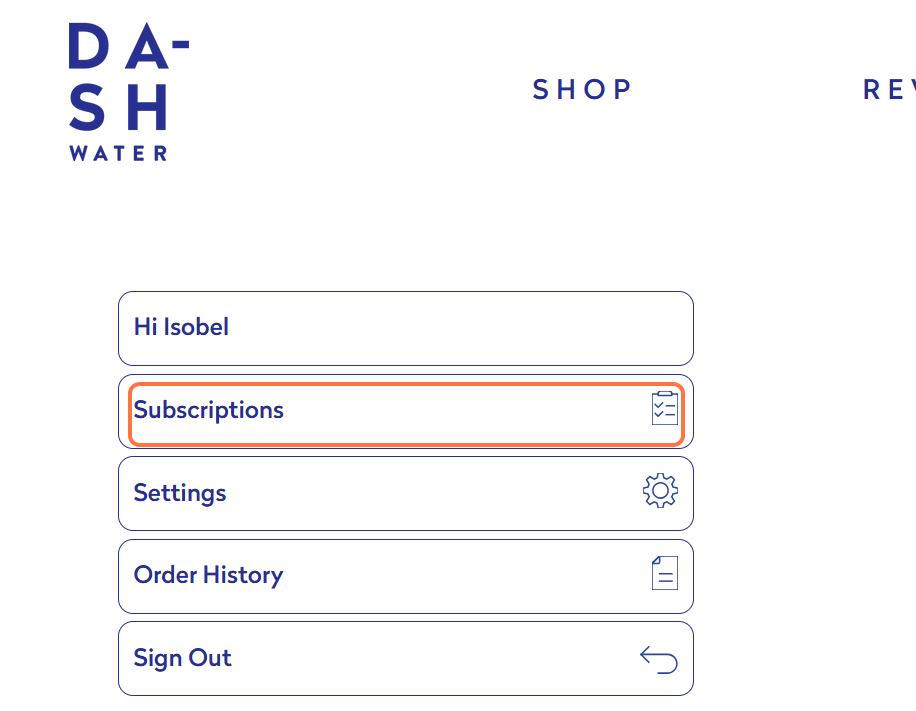
2. Click on Subscriptions
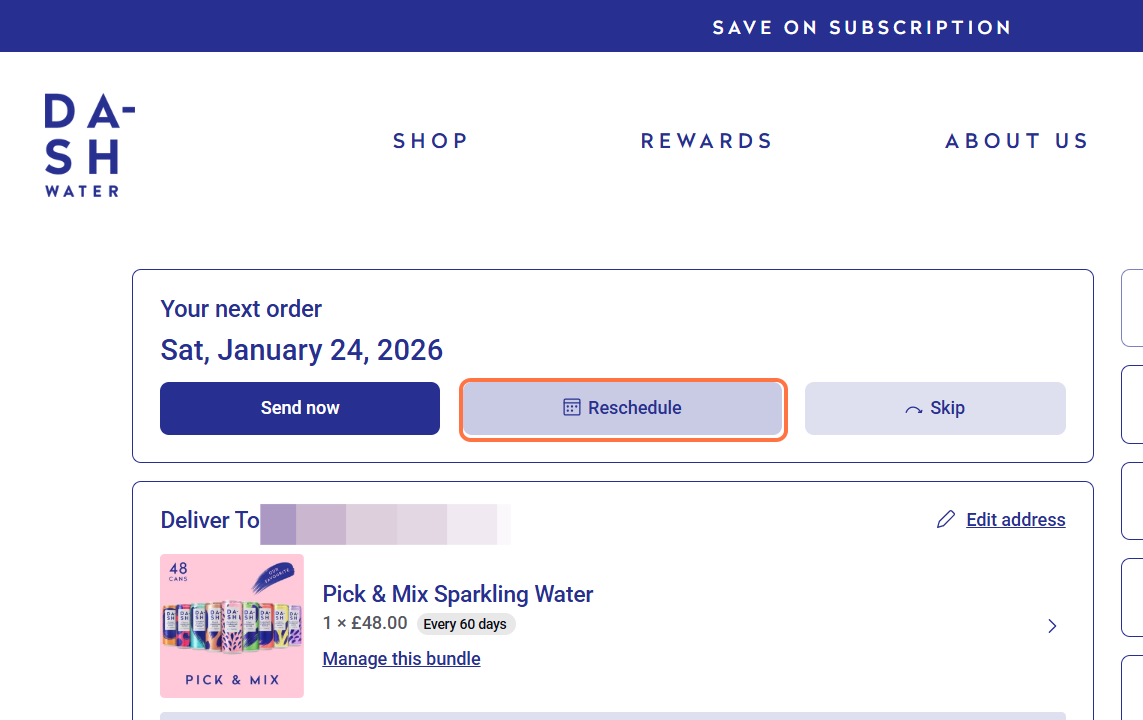
3. Under 'Your next order', click on Reschedule
4. Choose to delay for 1 week, 2 weeks or select the specific date you'd like your next order
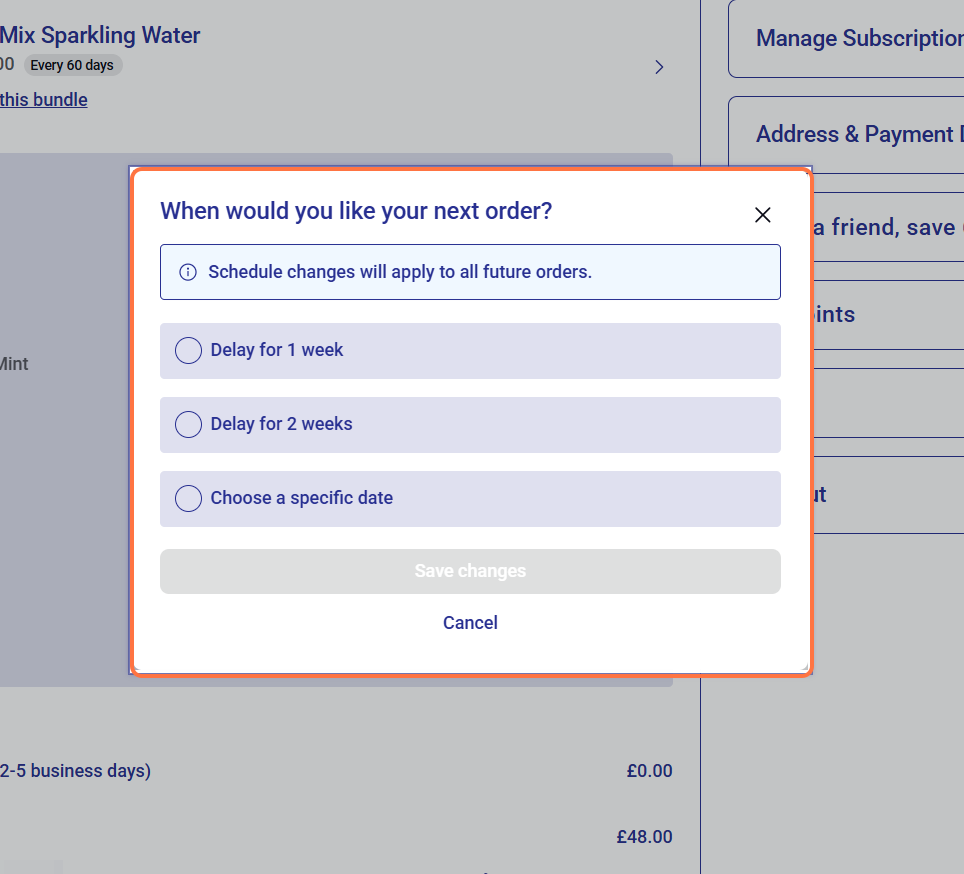
5. Save your changes.
6. The date of your next order will now be updated.